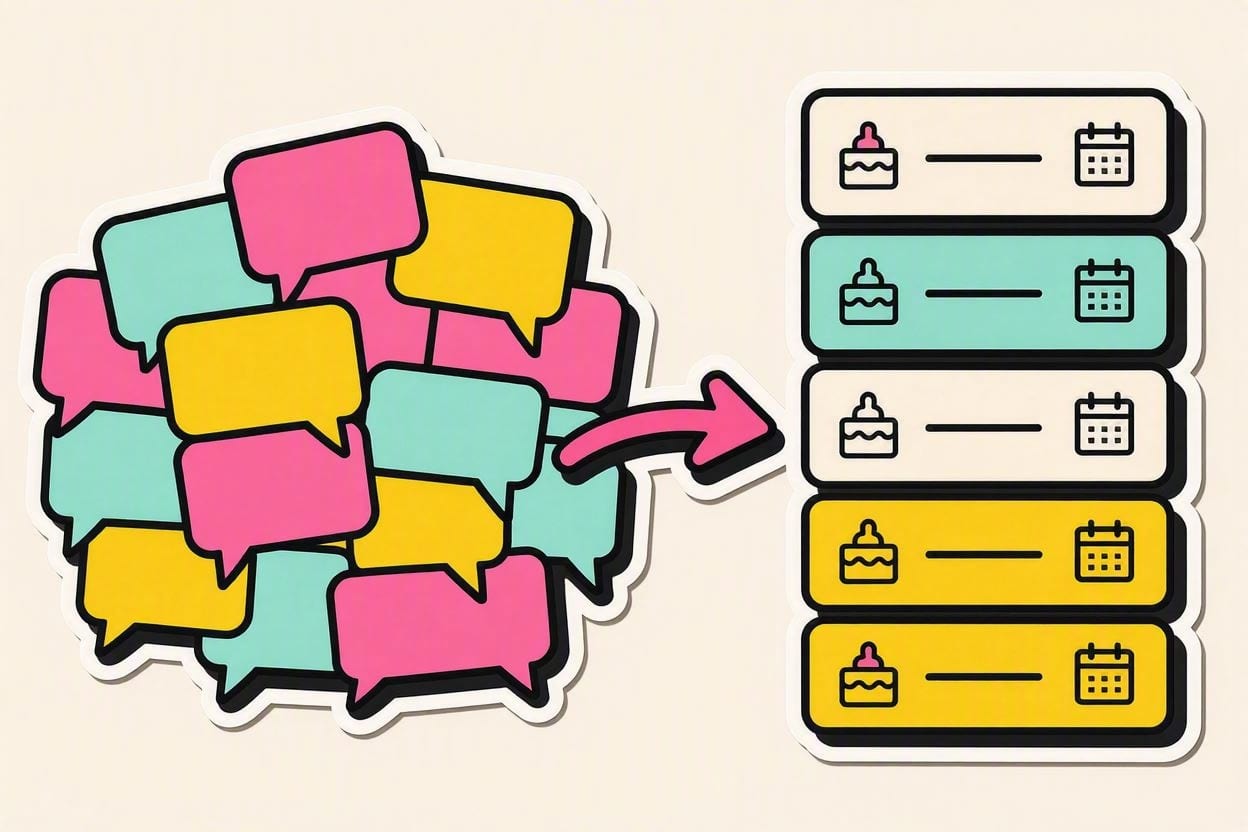
The fix is one sentence: the moment an order is confirmed, move it out of the chat and into a single list, with five fields — customer, item, pickup date, price, deposit. Messenger is a great place to receive orders and an awful place to store them. Separating those two jobs is what stops the Saturday surprise.
You know the version where it goes wrong: Saturday morning, and you discover a cake you agreed to three weeks ago in a thread that got buried under twelve new conversations. Nobody was careless. The tool was just never built for this.
Why Messenger loses orders
- Threads sort by last message, not by pickup date. The cake due tomorrow sinks below someone asking about prices today.
- There’s no "confirmed" state. "Sige po, book natin" and "I’ll think about it" look identical three weeks later.
- Details scatter. The flavour is in one message, the date in another, the address in a voice note.
- Orders arrive on four platforms. Messenger, IG DMs, Viber, and your cousin who texts. No single view.
- Deposits vanish. A GCash screenshot in a chat is not a record you can total up.
None of this is fixed by scrolling more carefully. It’s fixed by having one place that holds the truth.
The five fields every order needs
You don’t need a complicated form. Five fields cover almost every home-bakery order:
| Field | Why it matters |
|---|---|
| Customer + contact | One place to reach them — not "the girl with the purple profile pic." |
| Item + size/flavour | The exact bake, so you can cost it and buy for it. |
| Pickup / delivery date + time | The field you sort by. This is the one that prevents disasters. |
| Agreed price | Locked at confirmation, so there’s no debate later. |
| Deposit paid / balance due | What you’ve collected and what’s still owed. |
Add a status — Pending → Baking → Ready → Completed — and you can see your whole week at a glance. Whether that lives in a notebook, a spreadsheet, or an app matters far less than that it exists and gets filled in at confirmation time, not later.
The confirmation message that prevents most problems
Most order disasters are actually agreement disasters — two people remembering a chat differently. One message fixes it. Send this when an order is confirmed, and copy it into your list at the same time:
Hi [Name]! Confirming your order po 😊
• Item: 8-inch ube cake, "Happy Birthday Ana"
• Pickup: Saturday, Aug 22, 3:00 PM
• Total: ₱2,000
• Deposit received: ₱500 — balance ₱1,500 on pickup
Let me know if anything needs changing. Reserved na po ang slot ninyo! 🎂
It reads as professional care, not stiffness — and it doubles as your written record. Screenshot it into your order list if that’s faster than typing.
Deposits: the rule that kills cancellations
A 30–50% deposit to reserve a date is standard, fair, and the single most effective anti-cancellation tool a home baker has. It protects you two ways: it covers the ingredients you buy in advance, and it turns a casual "sige, book natin" into a real commitment.
Say it warmly and treat it as normal — because it is. "To reserve your date po, we ask for a ₱500 deposit; the balance is on pickup." Bakers who feel awkward about deposits are usually the ones eating the cost of the no-shows. Charging one isn’t distrust; it’s how the date gets held.
The Sunday ten-minute review
Once a week, sit with your list and run four checks:
- What’s due this week? Sort by pickup date and read it out loud.
- What do these orders need? Total the ingredients before your market run — see how to stop running out of ingredients.
- Who still owes a balance? Send a friendly reminder now, not at the door.
- Any unconfirmed inquiries? One follow-up message. Then let them go.
Ten minutes on Sunday replaces the low-grade dread of "am I forgetting something?" that runs all week in the background.
Don’t stop at tracking — cost them too
Once every order lives in one list with its agreed price, you’re one step from knowing which orders actually pay. Attach a cost to each and you can finally see your margin per order instead of a monthly blur — that’s the difference between a schedule and a business. More on that in how to know if your home bakery is actually making money.
OvenSync gives every order a status, a pickup date, a deposit and balance, and a calendar view — and tells you what to restock before the week starts. Start free → — 30-day Baker trial, no card.
Keep taking orders in Messenger — that’s where your customers are, and the chat is part of why they trust you. Just don’t let it be the place your business remembers things. Chat is for talking; the list is for keeping.